Hire Microsoft Excel Virtual Assistant in India

Spreadsheets run your operations—but messy data, inconsistent formats, and slow reporting waste time. MVAIndia provides managed Excel Virtual Assistants who build, clean, and maintain business-ready Excel systems with quality checks and repeatable workflows.

Ideal for reporting, dashboards, pivot tables, formulas, reconciliation, trackers, and ongoing spreadsheet management.

Request Consultation
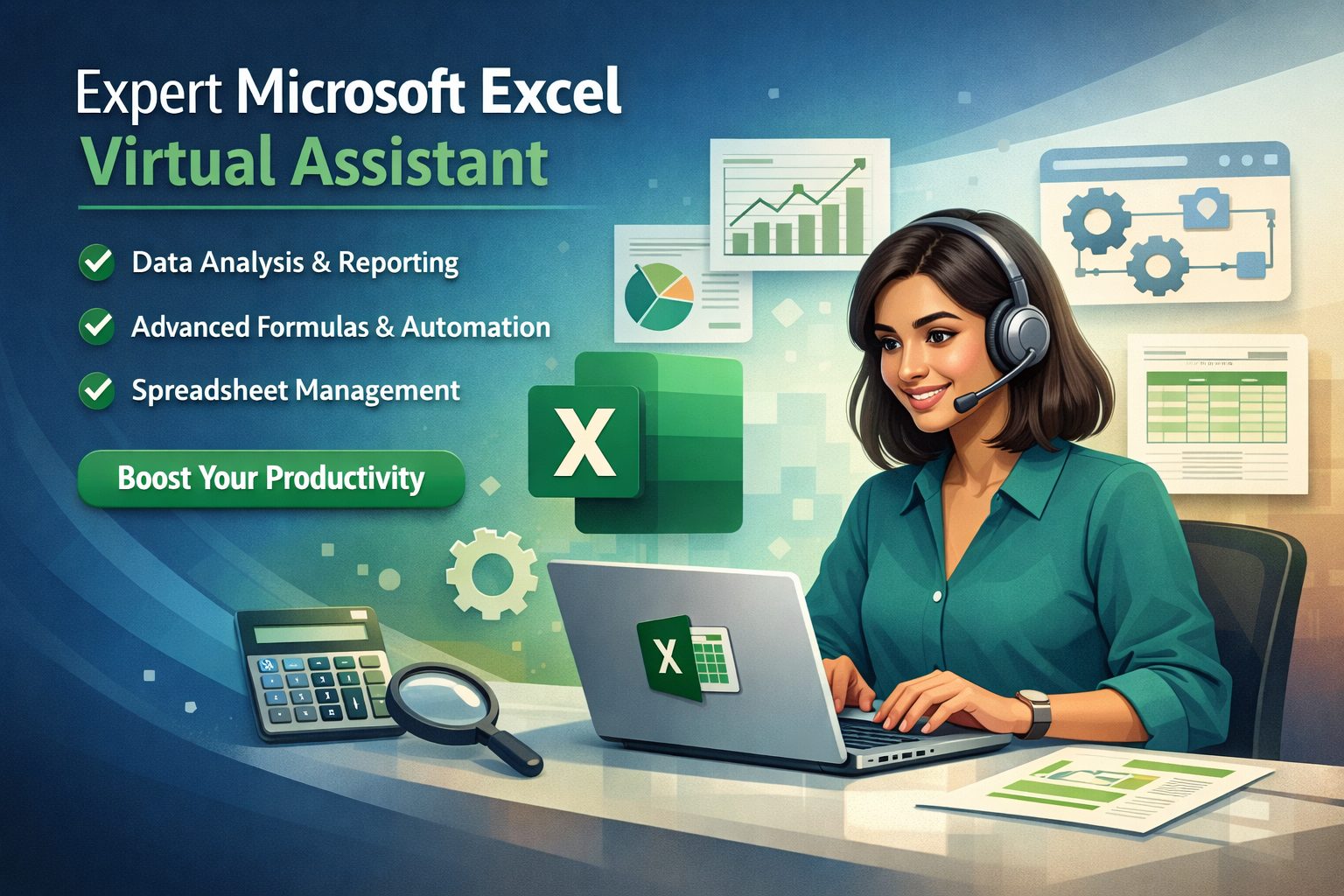
Microsoft Excel Virtual Assistant in India
✔ Accurate Data + Clean Sheets
✔ Dashboards & Reports
✔ Formula & Pivot Expertise
✔ Managed Delivery + QA
Excel Management

Reliable Excel Output Without Spreadsheet Chaos

Many providers focus on “quick hiring” or one-off gigs. We focus on business outcomes: consistent reporting, standardized models, and documentation-driven spreadsheet operations.

Common Excel Challenges

  • Multiple versions of the same file with no control
  • Manual reporting that takes hours every week
  • Broken formulas and inconsistent formatting
  • Data scattered across CSVs, exports, and emails
  • No clear ownership of spreadsheet maintenance

What You Get with MVAIndia

  • Dedicated Excel VA + managed supervision
  • Standard templates and repeatable workflows
  • Quality checks before delivery
  • Documentation (SOPs) for continuity

Best Fit for

Teams that rely on Excel for recurring reporting, business tracking, reconciliation, and operational coordination—and need dependable, structured outcomes.

We convert spreadsheets into a managed system rather than a recurring headache.

Hire Excel VA
Core Services

Microsoft Excel Virtual Assistant Services

Data

Data Entry, Cleanup & Formatting

Accurate data entry, deduplication, validation rules, standard formatting, and error reduction for clean sheets.

Reports

Reporting & Weekly/Monthly Updates

Recurring reports, KPI tables, summary sheets, and management-ready reporting packs.

Dashboards

Dashboards & Data Visualization

Charts, dashboard layouts, slicers, executive summary views, and performance tracking.

Pivots

Pivot Tables & Analysis

Pivot tables, segment reports, dynamic summaries, and drill-down analysis for decision-making.

Formulas

Formulas & Function Support

IF, XLOOKUP/VLOOKUP, INDEX-MATCH, SUMIFS, TEXT functions, date logic, and structured models.

Ops

Business Trackers & Operations Sheets

Inventory trackers, project trackers, sales trackers, expense logs, attendance sheets, and workflow dashboards.

Capabilities

What Can an Excel Virtual Assistant Do?

From basic spreadsheet handling to business-grade reporting systems—our Excel VAs support ongoing operations, not just one-time file edits. (Common competitor offerings include data cleanup, reporting, formulas, and visualization.) :contentReference[oaicite:1]{index=1}

Standardize

Standardize Spreadsheet Systems

Template creation, consistent structure, naming conventions, and file organization for operational clarity.

Automate

Reduce Manual Work

Design formula-driven workflows so updates are faster and less error-prone (no repetitive manual copy/paste).

Reconcile

Reconciliation & Exception Tracking

Identify mismatches, missing entries, duplicates, and variance summaries for finance/ops reconciliation.

Transform

CSV/Export Cleanup & Structuring

Convert raw exports into analysis-ready tables with proper headings, data types, and validation rules.

Insights

Executive Summaries

Convert detailed sheets into management summaries: top insights, trends, risks, and action items.

Maintain

Ongoing Maintenance

Prevent “spreadsheet decay” through periodic checks, formula audits, cleanup, and process documentation.

Dashboards

Dashboards for Teams

Create dashboards for sales, support, ops, finance, and projects with clear KPIs and filters.

QA

Validation & Error Prevention

Data validation rules, locked cells, controlled inputs, and checks to reduce breakage.

Docs

SOPs & Documentation

Document steps so your team can follow a repeatable process—crucial for continuity and training.

Deliverables

Typical Excel Deliverables

Most clients use Excel VAs for recurring, business-critical outputs.

  • Weekly/monthly KPI reports and management summaries
  • Dashboards with charts and pivot-driven views
  • Cleaned and standardized exports (CSV → usable tables)
  • Business trackers (sales, inventory, projects, expenses)
  • Reconciliation sheets and exception logs
  • Templates for recurring reporting and inputs
  • Documented workflows (SOPs)

Workflow That Works

We define the update cycle (daily/weekly/monthly), data sources, output format, and review checkpoints. This gives you predictable reporting without repeated re-briefing.

Deliverables remain consistent even as your volume increases.

Who This Is For

Built for Teams That Run on Excel

If Excel is central to your reporting, reconciliation, tracking, or planning, this service is designed for you.

SaaS

SaaS & Subscription Businesses

MRR/ARR tracking sheets, cohort summaries, churn reports, and pipeline dashboards from exports.

Agencies

Agencies & Service Businesses

Utilization reports, project tracking, client reporting packs, and operational dashboards.

E-commerce

E-commerce & DTC

Inventory trackers, order/export cleanup, performance dashboards, and promo reporting.

Consulting

Consulting & Professional Services

Analysis models, client reporting, structured trackers, and executive-ready summaries.

Finance

Finance & Operations

Reconciliations, variance summaries, expense tracking, and reporting packs.

Founders

Founders & Lean Teams

Get reliable reporting and dashboards without hiring an in-house analyst.

Trust & Control

Security, Access Controls & Quality Assurance

Spreadsheet errors and uncontrolled sharing create real business risk. We use a controlled, managed delivery model.

Security

NDA & Secure File Handling

Confidentiality-first processes with controlled access and secure sharing practices.

QA

Quality Checks

Formula checks, consistency checks, and review cycles to minimize errors before delivery.

Control

Templates & Standards

Standard structure, formatting, and naming conventions for repeatable outputs across cycles.

Continuity

Continuity & Backup

Managed delivery reduces dependency risk and protects ongoing reporting cycles.

Docs

SOP Documentation

We document the process so reporting can continue consistently—even when scaling.

Support

Ongoing Support

As needs evolve, we refine templates, reports, and dashboards without rebuilding from scratch.

Delivery Model

How Our Excel VA Engagement Works

01

Scope & Output Definition

We define tasks, data sources, update frequency, and desired output formats.

02

Template + Workflow Setup

We standardize templates, input rules, and reporting logic for repeatable delivery.

03

Execution + QA

We deliver outputs with validation checks and revision workflow.

04

Optimize & Scale

We improve speed and reliability over time while scaling capacity as needed.

Engagement Options

Choose the Right Starting Model

Start small, prove consistency, then scale. We align the model to your reporting cycles and operational needs.

Pilot

Pilot (2–4 Weeks)

Best for first-time clients. We clean data, set templates, build a baseline report/dashboard, and finalize SOPs.

  • Defined deliverables + success criteria
  • Template and structure standardization
  • QA and revision workflow
Dedicated

Dedicated Excel VA

Ideal for recurring reporting. A dedicated assistant maintains sheets, updates reports, and keeps systems clean.

  • Recurring update cycles
  • Ongoing maintenance and improvements
  • Managed continuity
Team

Multi-Role Support

Best when Excel connects to ops, finance, CRM exports, and reporting—role-based support under one managed model.

  • Higher throughput and coverage
  • Standard reporting packs across teams
  • Scalable support model
FAQs

Microsoft Excel Virtual Assistant – Frequently Asked Questions

1. What does an Excel Virtual Assistant do?

An Excel VA supports data cleanup, reporting, dashboards, formulas, pivots, trackers, and ongoing spreadsheet maintenance.

2. Can you clean and standardize messy Excel files?

Yes. We handle formatting, duplicates, validation rules, and structure cleanup so your data becomes usable and consistent.

3. Do you create dashboards in Excel?

Yes. We build dashboards with charts, pivot summaries, and management-ready views.

4. Do you support pivot tables and advanced reporting?

Yes. Pivot-based reporting and segmented summaries are core use cases.

5. Can you fix broken formulas?

Yes. We can audit and repair formulas and improve model reliability.

6. Can you build recurring weekly/monthly reports?

Yes. We standardize the workflow so recurring reports are fast and consistent.

7. Can you convert CSV exports into usable sheets?

Yes. We structure exports into clean tables and build reporting views on top.

8. Do you provide templates for recurring work?

Yes. Templates reduce errors and speed up updates.

9. Can you help with reconciliation and variance tracking?

Yes. We create exception logs, variance summaries, and structured reconciliation workflows.

10. Can you support inventory and sales tracking sheets?

Yes. Trackers and operational sheets are commonly delivered.

11. How do you ensure quality and accuracy?

We follow validation checks, standardized templates, and review cycles before delivery.

12. Is our business data secure?

Yes. We follow NDA and controlled-access file handling practices.

13. Can we restrict access and define permissions?

Yes. Access can be controlled based on your security requirements.

14. Do you document the process?

Yes. SOP documentation is included for continuity and easy handover.

15. Can we start with a pilot?

Yes. A pilot helps finalize templates, outputs, and the reporting workflow.

16. Do you support business reporting for founders?

Yes. We create management summaries and dashboards for quick decisions.

17. Can you maintain multiple Excel files consistently?

Yes. We can standardize multiple files and enforce version and naming discipline.

18. Do you work with finance teams?

Yes. Expense tracking, reconciliations, reporting packs, and variance summaries are typical use cases.

19. Can you support agencies with client reporting?

Yes. We build standardized reporting packs for multiple clients and campaigns.

20. What industries use Excel VAs the most?

SaaS, e-commerce, agencies, consulting, operations, finance, and teams with recurring reporting cycles.

21. How do revisions work?

We follow a draft → feedback → final workflow, with clear version updates.

22. Will we get consistent formatting and templates?

Yes. Standardized structure and templates are central to our approach.

23. Can you provide executive-ready summaries?

Yes. We convert detailed sheets into concise management summaries and dashboards.

24. Who should hire an Excel Virtual Assistant?

Teams needing accurate spreadsheets, recurring reports, dashboards, and operational tracking without building an in-house analyst team.
Next Step

Get Reliable Excel Reporting Without the Manual Work

Standardize your spreadsheet operations, reduce errors, and get consistent reporting with a managed Excel VA.

Request Free Consultation
Contact

Request a Free Consultation

Share your workflows, tools, timezone and hours/week. We will recommend the right engagement model.

We respond within 24 business hours.